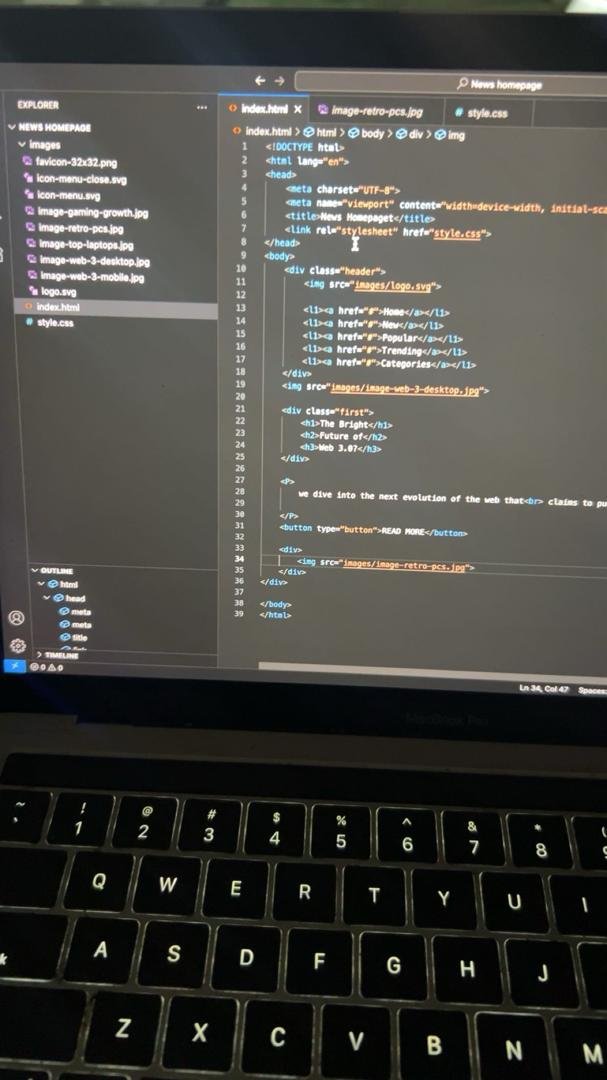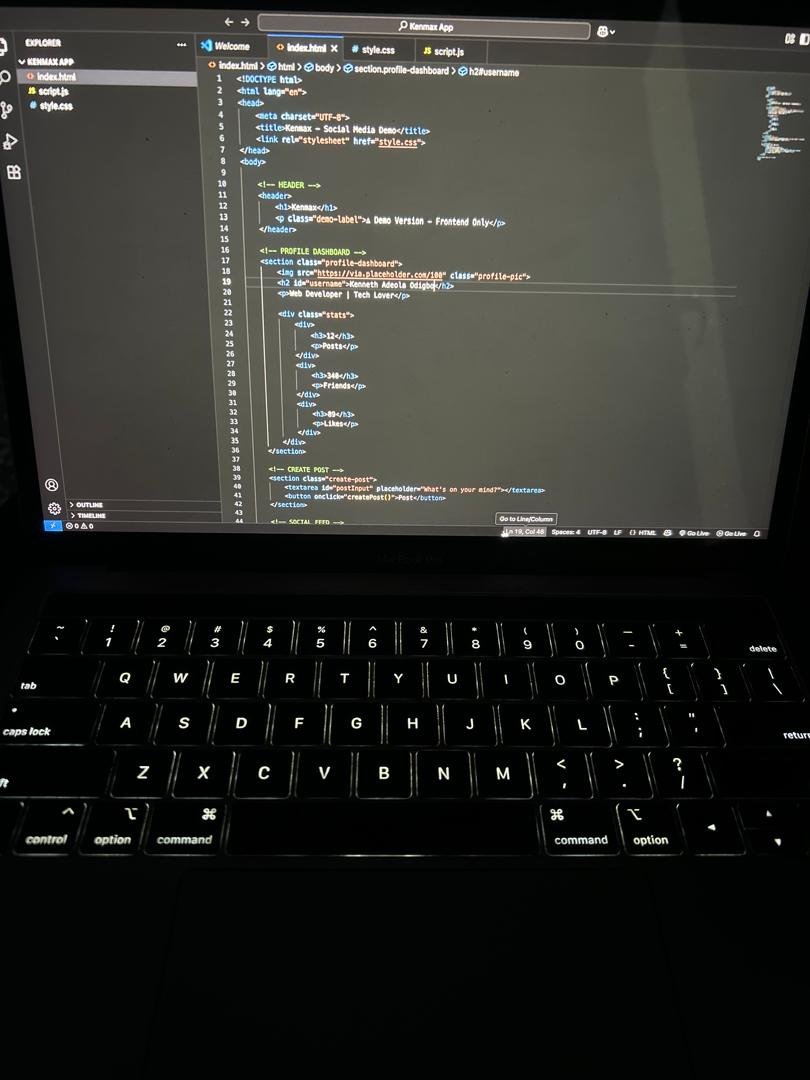
One of the first tools I installed on my coding journey was Visual Studio Code (VS Code).
Here are the steps I followed:
- Visited the official VS Code website.
- Downloaded the version for my computer.
- Opened the installer after the download completed.
- Followed the installation instructions.
- Launched VS Code and created my first file.
Why I chose VS Code:
VS Code is free, beginner-friendly, and widely used by developers around the world. It provides a simple environment for writing and managing code.
As someone who is just starting to learn coding, installing VS Code was an important first step. It gave me a place to practice HTML and begin building projects.
If you're new to coding, I recommend starting with VS Code and taking things one step at a time.