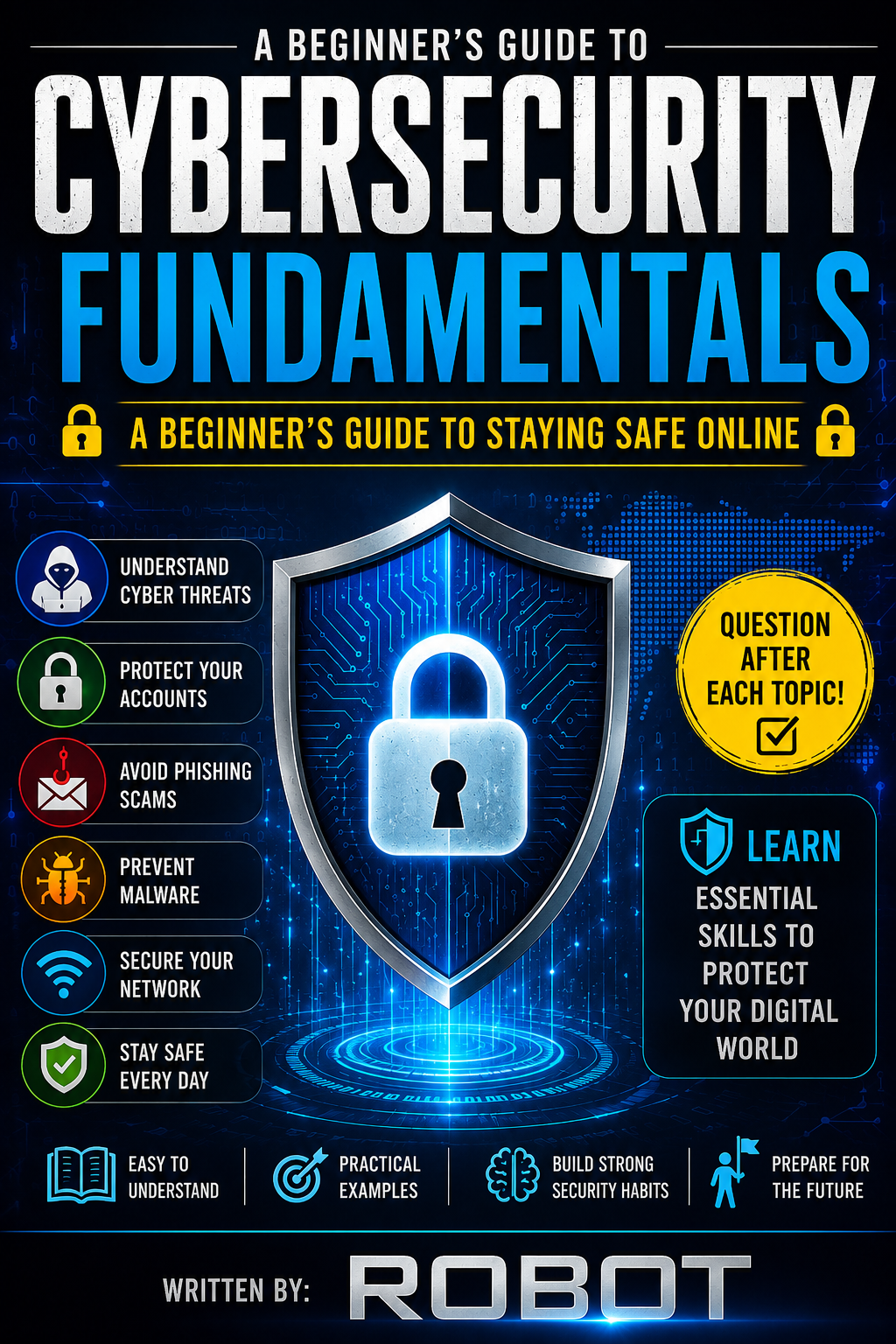
- What Is Cybersecurity?
- Common Cyber Threats
- Passwords and Account Security
- Phishing and Social Engineering
- Malware
- Safe Web Browsing
- Protecting Personal Information
- Network Security
- Device Security
- Software Updates and Security
- Backups and Data Protection
- Cybersecurity at School and Work
- Privacy and Social Media
- Introduction to Ethical Hacking
- Building a Cybersecurity Career
- Final Review
Cybersecurity is the process of protecting digital systems and information.
It can involve protecting:
- Computers
- Smartphones
- Networks
- Websites
- Online accounts
- Personal information
- Business data
Cybersecurity is important because digital information can be valuable.
For example, an online account might contain private messages, photographs, school information, or financial information.
The Three Main Security Goals
Cybersecurity is often explained using three important ideas:
Confidentiality
Only authorized people should be able to access information.
Integrity
Information should remain accurate and should not be changed improperly.
Availability
Authorized users should be able to access systems and information when needed.
These three ideas are commonly called the CIA triad.
Questions
- What is cybersecurity?
- What does confidentiality mean?
- Why is integrity important?
- What does availability mean?
- What are the three parts of the CIA triad?
A cyber threat is something that could harm a computer system, account, network, or user.
Common threats include:
- Phishing
- Malware
- Password attacks
- Scams
- Data theft
- Social engineering
- Unauthorized access
Threats can target individuals, schools, organizations, and businesses.
The best defense begins with understanding how threats work.
Questions
- What is a cyber threat?
- Name three common cyber threats.
- Who can be targeted by cyber threats?
- Why is understanding threats important?
Passwords are one of the simplest ways to protect accounts.
A strong password should be difficult for other people to guess.
Good security habits include:
- Use unique passwords for important accounts.
- Avoid sharing passwords.
- Use a password manager when appropriate.
- Turn on multi-factor authentication (MFA).
- Never enter passwords into suspicious websites.
Multi-Factor Authentication
MFA adds another verification step.
For example, an account might require:
Password + verification code
This provides additional protection if a password is compromised.
Questions
- Why should important accounts have unique passwords?
- What does MFA mean?
- How does MFA improve security?
- Why should you avoid sharing passwords?
Phishing is a type of scam designed to trick people into providing information or taking an unsafe action.
A suspicious message might:
- Pretend to be from a trusted organization.
- Create a sense of urgency.
- Ask for a password.
- Ask the recipient to click a suspicious link.
- Request personal information.
Social Engineering
Social engineering involves manipulating people into doing something that benefits the attacker.
The attacker may use:
- Fear
- Urgency
- Curiosity
- Trust
- Authority
A good security habit is to stop and verify unexpected requests.
Questions
- What is phishing?
- What is social engineering?
- Name two warning signs of a suspicious message.
- Why can urgency be a warning sign?
Malware means malicious software.
Different types include:
Viruses
Programs that can spread and cause unwanted changes.
Trojans
Programs that appear legitimate but perform malicious actions.
Ransomware
Malware designed to prevent access to data or systems, often demanding payment.
Spyware
Software designed to secretly collect information.
The safest approach is to avoid suspicious downloads and keep security software and operating systems updated.
Questions
- What does malware mean?
- Name three types of malware.
- What is ransomware?
- Why should you avoid suspicious downloads?
The web contains both trustworthy and dangerous websites.
Before entering sensitive information, check that:
- You are on the correct website.
- The website address is spelled correctly.
- The connection uses HTTPS.
- The request makes sense.
Be especially careful with links received through unexpected messages.
Questions
- Why should you check a website address?
- What does HTTPS help protect?
- Why can unexpected links be dangerous?
- What should you check before entering sensitive information?
Personal information can include:
- Full name
- Phone number
- Email address
- Passwords
- School information
- Photographs
- Location information
Not every website or person needs access to all your information.
Think carefully before sharing personal information online.
Questions
- What is personal information?
- Name three examples.
- Why should you be careful about sharing information?
- Should every website receive all your personal information? Why?
A network connects devices so they can communicate.
Examples include:
- Home Wi-Fi
- School networks
- Business networks
- Public Wi-Fi
Good network security includes:
- Strong Wi-Fi passwords
- Updated routers
- Secure network settings
- Avoiding sensitive activities on untrusted networks
Questions
- What is a network?
- Give two examples of networks.
- Why should a Wi-Fi network have a strong password?
- Why should you be cautious when using public Wi-Fi?
Computers and phones contain valuable information.
Protect your devices by:
- Using a screen lock.
- Installing updates.
- Downloading apps from trustworthy sources.
- Removing applications you no longer need.
- Using reputable security tools.
Physical security matters too. Do not leave devices unattended in places where unauthorized people can access them.
Questions
- Why should devices have screen locks?
- Why should applications come from trustworthy sources?
- Why is physical security important?
- Name three ways to protect a device.
Software developers regularly release updates.
Updates may:
- Fix bugs
- Improve performance
- Add features
- Fix security vulnerabilities
Ignoring important updates can leave systems exposed to known security problems.
Enable automatic updates when appropriate and use supported software.
Questions
- Why are software updates important?
- What is a security vulnerability?
- What can happen if important updates are ignored?
- What is one way to make updating easier?
A backup is a separate copy of important information.
Backups can help recover information after:
- Device failure
- Accidental deletion
- Malware incidents
- Other unexpected events
Important information should be backed up using a safe and appropriate method.
Questions
- What is a backup?
- Why are backups useful?
- Name two situations where a backup could help.
- Why should important data have more than one copy?
Cybersecurity is everyone's responsibility.
At school or work:
- Do not share account passwords.
- Lock your computer when leaving it.
- Be careful with email attachments.
- Report suspicious activity.
- Follow organizational security policies.
Small mistakes can sometimes create large security problems.
Questions
- Why is cybersecurity everyone's responsibility?
- Why should you lock your computer?
- What should you do if you receive a suspicious attachment?
- Why are security policies important?
Social media can be useful, but information posted online can sometimes remain accessible for a long time.
Think carefully before sharing:
- Personal contact information
- Private photographs
- School details
- Location information
- Information about other people
Review privacy settings regularly.
Remember:
Think before you post.
Questions
- Why should you think before posting?
- Name three types of information you should consider carefully before sharing.
- Why should privacy settings be reviewed?
- What does "Think before you post" mean?
Ethical hacking is the authorized testing of systems to identify security weaknesses.
Ethical hackers work with permission.
Their goal is to help organizations improve security rather than cause harm.
Important principles include:
- Get permission first.
- Stay within the agreed scope.
- Protect information discovered during testing.
- Report vulnerabilities responsibly.
Never attempt to access someone else's account, computer, or network without authorization.
Questions
- What is ethical hacking?
- Why is authorization important?
- What should an ethical hacker do after finding a vulnerability?
- Why should you stay within the agreed testing scope?
Cybersecurity includes many different career paths.
Examples include:
- Security analyst
- Security engineer
- Network security specialist
- Incident responder
- Security administrator
- Penetration tester
- Security consultant
Important skills include:
- Problem-solving
- Networking
- Programming
- Communication
- Critical thinking
- Continuous learning
You can begin by learning basic computer networking, operating systems, programming, and security concepts.
Questions
- Name three cybersecurity careers.
- Why is problem-solving important?
- Why should cybersecurity professionals continue learning?
- What subjects can beginners study to build a foundation?
Congratulations! You have completed the fundamentals of cybersecurity.
You have learned about:
- Cybersecurity principles
- Common threats
- Password security
- MFA
- Phishing
- Malware
- Safe browsing
- Personal privacy
- Network security
- Device protection
- Software updates
- Backups
- Ethical hacking
- Cybersecurity careers
Final Quiz
- What are the three parts of the CIA triad?
- What is phishing?
- What does MFA provide?
- What is malware?
- Why are software updates important?
- What is a backup?
- Why should personal information be protected?
- What is ethical hacking?
- Why is authorization necessary before security testing?
- Name three cybersecurity career paths.
Cybersecurity is not only about computers and technology. It is also about making smart decisions.
Stay curious.
Think before clicking.
Protect your accounts.
Keep your devices updated.
Respect other people's privacy.
And always practice cybersecurity responsibly and legally.
The more you learn, the better prepared you become to protect yourself and others in the digital world.