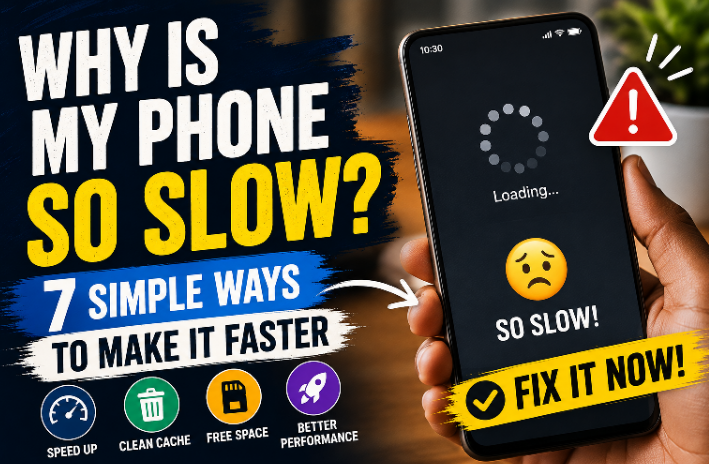
The good news is that you don't always need to buy a new phone. There are several simple things you can do to improve its performance.


1. Restart Your Phone


This sounds too simple, but it actually helps.


Your phone runs many processes in the background. Restarting it closes those processes and gives the system a fresh start.


If your phone has been running for several days without restarting, try it.


2. Clear Unnecessary Cache


Apps store temporary files called cache.


Cache can help apps load faster, but over time some apps can build up a large amount of temporary data.


Go to:


Settings β†’ Apps β†’ Select an app β†’ Storage β†’ Clear Cache


Don't randomly press Clear Data, though. Clearing data can remove the app's stored information and may log you out.


3. Free Up Storage Space


A phone with very little free storage can start feeling slow.


Check your storage and remove things you don't need:


- Old videos

- Duplicate photos

- Unused apps

- Large downloads

- WhatsApp media you no longer need


Try to keep a reasonable amount of free storage available.


4. Remove Apps You Don't Use


Be honest πŸ˜‚ β€” how many apps are sitting on your phone that you haven't opened in months?


If you don't use an app, uninstall it.


Fewer unnecessary apps can mean fewer background processes and more available storage.


5. Reduce Background Activity


Some apps continue doing things even when you're not actively using them.


Social media, shopping, messaging and other apps may run background processes.


Check your phone's battery or app settings to see which apps are using the most resources.


If an app isn't important, you can restrict its background activity where your phone allows it.


6. Keep Your Phone Updated


Software updates aren't only about adding new features.


Updates can include:


- Bug fixes

- Security improvements

- Performance improvements

- Compatibility fixes


Check Settings β†’ System/Software Update and install official updates when they're available for your device.


7. Don't Install β€œPhone Booster” Apps Randomly


This is one people often overlook.


You might see an app promising:


Β«β€œMake your phone 200% faster!”»


Be careful.


Some cleaner or booster apps can consume additional storage, battery and memory themselves.


Before installing one, ask yourself whether your phone actually needs it.


Final Tip


You don't need to try everything at once.


Start with the basics:


Restart your phone β†’ clear unnecessary cache β†’ free storage β†’ uninstall unused apps β†’ check for updates.


These simple steps can make a noticeable difference on many phones.


And if your phone is still extremely slow after doing all of this, the problem could be related to aging hardware, limited RAM/storage, battery condition, or an app causing excessive background activity.


Sometimes the best solution isn't another β€œbooster” app β€” it's simply finding out what is actually slowing the phone down.