Table of Contents
Chapter 1: Understanding Website Design
Chapter 2: The Principles of Great Web Design
Chapter 3: Planning a Website Before Building
Chapter 4: User Experience (UX) and User Interface (UI)
Chapter 5: Choosing Colors, Fonts, and Images
Chapter 6: Introduction to HTML, CSS, and JavaScript
Chapter 7: Making Websites Mobile-Friendly
Chapter 8: Website Speed and Performance
Chapter 9: Website Security Basics
Chapter 10: Launching and Maintaining a Website
Chapter 11: Turning Website Design Into a Career
Introduction
The internet has changed the way people learn, communicate, shop, and do business. Today, a website is more than just a collection of pages—it is a digital home for individuals, companies, organizations, and ideas.
A well-designed website can attract visitors, build trust, share information, and help businesses grow. A poorly designed website can confuse users and make them leave within seconds.
Website design combines creativity, technology, and problem-solving. It requires understanding how people think, how information should be organized, and how digital tools can be used to create meaningful experiences.
This book will guide you through the complete process of designing websites, from the basic concepts to professional techniques used by experienced designers.
Whether you are a beginner who wants to create your first website or someone who wants to improve existing skills, this guide will help you understand the world of web design.
Chapter 1: Understanding Website Design
What Is Website Design?
Website design is the process of creating and organizing the appearance, structure, and functionality of a website.
It includes:
- The layout of pages
- Colors and visual style
- Images and graphics
- Navigation menus
- Text arrangement
- User interaction
- Website performance
A website designer’s goal is to create a website that looks attractive while also being easy to use.
The Difference Between Web Design and Web Development
Many people confuse web design with web development, but they are different.
Web Design
Web design focuses on:
- How a website looks
- How users interact with it
- The overall experience
Designers often work with:
- Layouts
- Colors
- Typography
- User experience
Web Development
Web development focuses on:
- Writing code
- Creating website functions
- Building databases and systems
Developers use languages such as:
- HTML
- CSS
- JavaScript
- PHP
- Python
A successful website usually requires both good design and strong development.
Chapter 2: The Principles of Great Web Design
Great websites are built on important design principles.
1. Simplicity
A website should not overwhelm visitors with too much information.
Simple designs help users quickly find what they need.
Examples:
- Clear menus
- Short paragraphs
- Organized sections
- Enough empty space
2. Consistency
A professional website should have a consistent style.
This means using:
- The same colors throughout the website
- Similar button designs
- Matching fonts
- A repeated layout style
Consistency helps users feel comfortable while browsing.
3. Mobile-Friendly Design
Many people access websites using phones and tablets.
A modern website must:
- Adjust to different screen sizes
- Have readable text
- Use buttons that are easy to tap
- Load quickly
This approach is called responsive design.
4. User Experience
User experience (UX) is about how visitors feel when using a website.
A good user experience means:
- Visitors can find information easily
- Pages load quickly
- Navigation is simple
- The website solves a problem
A beautiful website that is difficult to use will not succeed.
Conclusion
Website design is a powerful skill that combines creativity and technology. By learning design principles, understanding users, and practicing regularly, anyone can develop the ability to create professional websites.
The best designers do not only create websites that look good—they create websites that help people.
End of Part 1
If you'd like to explore further, I can:
- Continue writing the remaining chapters into a complete e-book.
- Format this into a professional PDF e-book with a cover and table of contents.
- Add practical website design projects and exercises for learners.
Continue writing the remaining chapters into a complete e-book
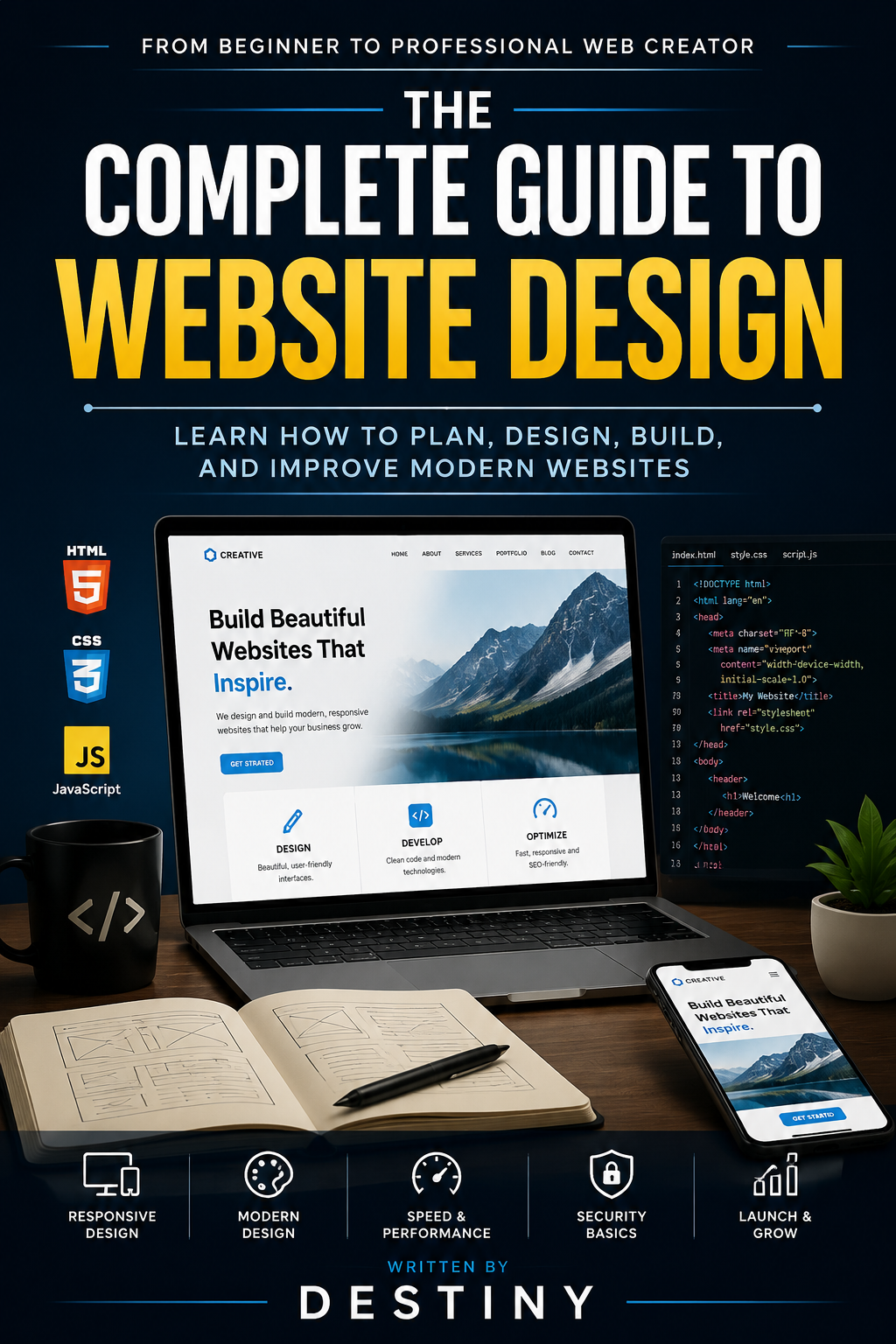
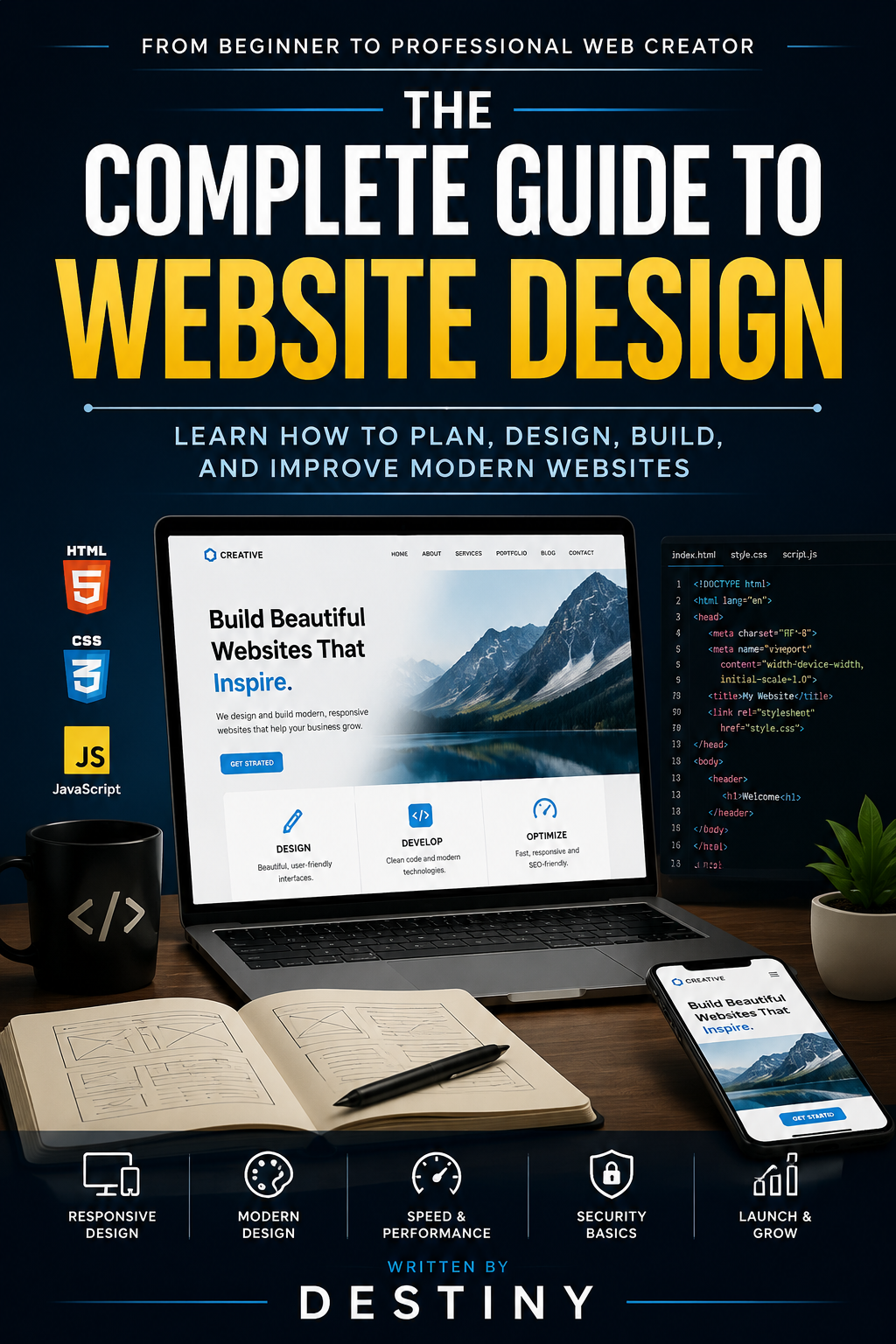
THE COMPLETE GUIDE TO WEBSITE DESIGN
From Beginner to Professional Web Creator
Learn How to Plan, Design, Build, and Improve Modern Websites
Written by: Destiny
Chapter 3: Planning a Website Before Building
Before designing a website, professional designers create a plan. A website without a plan can become confusing, difficult to manage, and unsuccessful.
Planning helps you understand:
- Who the website is for
- What the website should achieve
- What content is needed
- How visitors will move through the pages
Understanding the Purpose of a Website
Every website should have a clear purpose.
Examples:
Business Website
A company website may be created to:
- Sell products
- Attract customers
- Display services
- Build trust
Portfolio Website
A designer, photographer, or developer may use a portfolio website to:
- Show previous work
- Find new opportunities
- Share skills
Blog Website
A blog may focus on:
- Sharing knowledge
- Building a community
- Publishing articles
Knowing the purpose helps guide every design decision.
Creating a Website Structure
A website structure is the organization of pages and information.
A basic website may include:
Home Page
The home page is the first impression. It should quickly explain:
- Who you are
- What you offer
- Why visitors should continue exploring
About Page
This page tells visitors about:
- Your story
- Your experience
- Your mission
Services or Products Page
This explains:
- What you provide
- Pricing information
- Benefits
Contact Page
Visitors should easily find ways to reach you.
Examples:
- Contact forms
- Social media links
Creating a Website Layout
A website layout is the arrangement of elements on a page.
Common sections include:
Header
The top section usually contains:
- Logo
- Navigation menu
- Important links
Main Content
This is where the important information appears.
Footer
The bottom section may contain:
- Copyright information
- Contact details
- Social links
A good layout guides visitors naturally through the website.
Chapter 4: User Experience (UX) and User Interface (UI)
Two important parts of website design are UX and UI.
What Is User Experience (UX)?
UX focuses on how people feel when using a website.
A good UX design answers questions like:
- Can users find information quickly?
- Is the website easy to understand?
- Does it solve the user's problem?
What Is User Interface (UI)?
UI focuses on the visual parts of a website.
It includes:
- Buttons
- Icons
- Colors
- Images
- Menus
- Animations
UI creates the appearance of the website, while UX creates the experience.
Principles of Good UX Design
Make Navigation Simple
Visitors should not struggle to find pages.
Good navigation uses:
- Clear labels
- Simple menus
- Logical page organization
Reduce User Effort
A website should make tasks easy.
Examples:
Instead of:
"Click here to continue to the next page where you may possibly find information."
Use:
"Learn More"
Provide Feedback
Websites should respond to user actions.
Examples:
- Buttons changing when clicked
- Messages confirming actions
- Loading indicators
Chapter 5: Choosing Colors, Fonts, and Images
Visual design strongly affects how visitors feel about a website.
Understanding Color
Colors communicate emotions.
Examples:
Blue:
- Trust
- Security
- Professionalism
Green:
- Growth
- Nature
- Health
Black:
- Luxury
- Strength
- Elegance
White:
- Cleanliness
- Simplicity
A good website usually uses a small number of main colors.
Choosing Fonts
Fonts affect readability and style.
Good website fonts should be:
- Easy to read
- Professional
- Consistent
Avoid using too many different fonts because it can make a website look messy.
Using Images
Images can make websites more attractive and memorable.
Good images should:
- Match the website purpose
- Load quickly
- Be high quality
- Support the message
Large, unnecessary images can slow down a website.
Chapter 6: Introduction to HTML, CSS, and JavaScript
Most websites are built using three main technologies.
HTML: The Structure
HTML creates the foundation of a webpage.
Example:
<h1>Welcome to My Website</h1>
<p>This is my first webpage.</p>
HTML creates:
- Headings
- Paragraphs
- Images
- Links
- Forms
CSS: The Design
CSS controls the appearance of a website.
CSS changes:
- Colors
- Sizes
- Spacing
- Layout
Example:
h1 {
color: blue;
font-size: 40px;
}
JavaScript: The Interaction
JavaScript makes websites interactive.
It can create:
- Animations
- Pop-up messages
- Interactive menus
- Dynamic content
Together, HTML, CSS, and JavaScript create modern websites.
Chapter 7: Making Websites Mobile-Friendly
A website must work on many devices.
Responsive design allows websites to adjust automatically.
Mobile Design Principles
Use Flexible Layouts
Content should fit different screens.
Make Text Easy to Read
Users should not need to zoom.
Create Touch-Friendly Buttons
Buttons should be large enough for mobile users.
Chapter 8: Website Speed and Performance
Website speed affects user satisfaction.
A slow website can cause visitors to leave.
Ways to Improve Speed
Optimize Images
Large images should be compressed.
Reduce Unnecessary Code
Remove unused files and scripts.
Use Good Hosting
A reliable hosting provider improves performance.
Chapter 9: Website Security Basics
Security protects websites and users.
Important security practices include:
Use Strong Passwords
Avoid simple passwords.
Keep Software Updated
Updates often fix security problems.
Use HTTPS
HTTPS protects information sent between users and websites.
Chapter 10: Launching and Maintaining a Website
Creating a website is only the beginning.
After launching, you should:
- Check for errors
- Update content
- Improve performance
- Listen to user feedback
Testing Before Launch
Before publishing, check:
- Are all links working?
- Does it work on phones?
- Are there spelling mistakes?
- Does it load quickly?
Chapter 11: Turning Website Design Into a Career
Website design can become a valuable career skill.
Possible careers include:
Web Designer
Creates website layouts and visuals.
Front-End Developer
Builds the parts users interact with.
UX Designer
Improves user experiences.
Freelance Website Creator
Creates websites for clients.
Building Your Portfolio
A portfolio shows what you can do.
Include:
- Personal projects
- Website examples
- Design experiments
- Client work
A strong portfolio can help you find jobs and customers.
Final Chapter: Becoming a Better Website Designer
Great designers continue learning.
The internet changes constantly, so designers must improve their skills.
Practice by:
- Building new websites
- Studying successful designs
- Learning new tools
- Getting feedback
Remember:
A great website is not only about appearance. It is about creating something useful, enjoyable, and valuable for people.
Your journey as a website designer begins with your first project. Keep learning, keep creating, and keep improving.