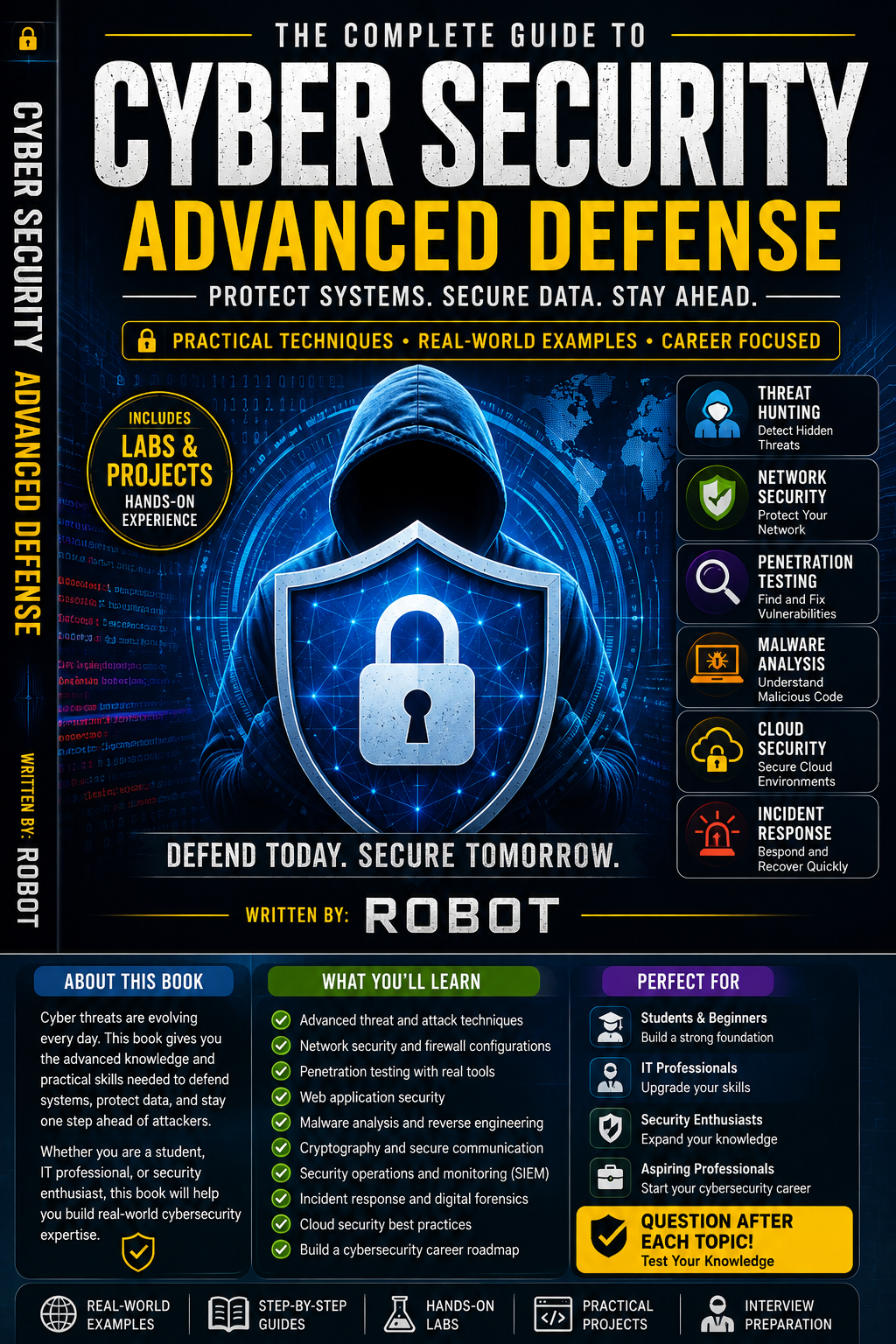
- Understanding Advanced Cybersecurity
- Cyber Threats and Attack Methods
- Network Security
- Firewalls and Network Protection
- Threat Detection and Threat Hunting
- Malware Analysis
- Web Application Security
- Authentication and Access Control
- Cryptography and Data Protection
- Cloud Security
- Security Monitoring and SIEM
- Incident Response
- Digital Forensics
- Security Policies and Risk Management
- Ethical Hacking and Responsible Testing
- Building a Cybersecurity Career
- Final Review and Challenge
Welcome to Cybersecurity: Advanced Defense.
This book is the next step after learning cybersecurity fundamentals. It introduces more advanced defensive concepts while keeping security practice safe, legal, and responsible.
You will learn how security professionals think about threats, protect networks, detect suspicious activity, respond to incidents, protect cloud systems, and reduce security risks.
Each topic ends with questions so you can test your understanding.
The goal is not simply to memorize cybersecurity terms. The goal is to understand how systems can be protected and how security problems can be recognized and handled responsibly.
Chapter 1: Understanding Advanced CybersecurityCybersecurity becomes more complicated as technology grows.
Organizations may have:
- Computers
- Servers
- Websites
- Mobile devices
- Cloud services
- Databases
- Wireless networks
- Employee accounts
Protecting all these systems requires planning and continuous monitoring.
Defense in Depth
Defense in depth means using multiple layers of security instead of depending on one protection.
For example:
Strong passwords → MFA → Firewalls → Monitoring → Backups → Incident Response
If one layer fails, another layer can still provide protection.
Questions
- Why does cybersecurity become more complicated as organizations grow?
- What is defense in depth?
- Give three examples of security layers.
- Why should organizations avoid depending on one security control?
Security professionals need to understand the different types of threats they may encounter.
Common threats include:
- Phishing
- Malware
- Account compromise
- Data theft
- Ransomware
- Social engineering
- Denial-of-service attacks
- Vulnerability exploitation
Understanding a threat does not mean attacking systems. Security professionals study threats so they can recognize and defend against them.
The Attack Lifecycle
A security incident can involve several stages, such as:
Initial access → Execution → Persistence → Discovery → Impact
Security teams try to detect suspicious behavior as early as possible.
Questions
- Name four common cyber threats.
- Why do defenders study attack methods?
- What is an attack lifecycle?
- Why is early detection important?
A network allows computers and devices to communicate.
Network security protects this communication and the systems connected to the network.
Important security controls include:
- Firewalls
- Network segmentation
- Secure Wi-Fi
- Access controls
- Monitoring
- Encryption
Network Segmentation
Segmentation divides a network into separate areas.
For example, an organization might separate:
Employees → Servers → Guest Wi-Fi → Security systems
This can limit the damage if one part of the network is compromised.
Questions
- What is network security?
- Name three network security controls.
- What is network segmentation?
- Why can segmentation reduce security risks?
A firewall controls network traffic according to security rules.
It can help determine whether certain traffic should be allowed or blocked.
Firewalls may be used to protect:
- Individual computers
- Servers
- Networks
- Cloud environments
However, a firewall is not a complete security solution.
A strong security system combines firewalls with authentication, updates, monitoring, backups, and other controls.
Questions
- What is the purpose of a firewall?
- What can a firewall help control?
- Why is a firewall alone not enough?
- Name two other security controls that can work alongside a firewall.
Threat detection involves identifying suspicious activity.
Security teams may look for:
- Unusual login activity
- Unexpected software
- Suspicious network connections
- Repeated failed authentication
- Unusual changes to files
- Unexpected account activity
Threat Hunting
Threat hunting is the proactive search for signs of suspicious activity.
Instead of waiting for an alert, security analysts ask:
"Is there anything unusual happening that our normal alerts haven't detected?"
Threat hunting should be performed within authorized systems and environments.
Questions
- What is threat detection?
- Give three examples of suspicious activity.
- What is threat hunting?
- How is proactive hunting different from simply waiting for alerts?
Malware is software designed to perform harmful or unauthorized actions.
Security professionals may analyze malware to understand:
- What it does
- What systems it affects
- What indicators it leaves behind
- How defenders can detect it
Safe malware analysis should be performed in controlled environments designed for security research.
Malware Indicators
Security teams may identify indicators such as:
- Suspicious file names
- Unusual processes
- Unexpected network connections
- Known malicious file signatures
These indicators can help defenders detect and remove threats.
Questions
- What is malware?
- Why do security professionals analyze malware?
- Give two examples of malware indicators.
- Why should malware research use controlled environments?
Websites and web applications can contain security weaknesses if they are poorly designed.
Common security concerns include:
- Weak authentication
- Poor access controls
- Unsafe handling of user input
- Insecure configuration
- Exposed sensitive information
Developers should validate input, protect user accounts, keep software updated, and follow secure development practices.
Secure Development
Security should be considered during the design stage rather than added only after a website is finished.
Questions
- What is web application security?
- Name three common security concerns.
- Why should security be considered during development?
- What is one way developers can improve application security?
Authentication answers:
"Who are you?"
Authorization answers:
"What are you allowed to do?"
For example, a student might be allowed to view their own school records but not another student's records.
Principle of Least Privilege
Users should receive only the permissions they need.
This reduces the potential damage caused by mistakes or compromised accounts.
Questions
- What is authentication?
- What is authorization?
- What is least privilege?
- Why is least privilege useful?
Cryptography uses mathematical techniques to protect information.
It can provide:
- Confidentiality
- Integrity
- Authentication
Encryption
Encryption transforms readable information into protected information that requires the appropriate key or mechanism to recover.
It can protect information while it is:
- Stored
- Being transmitted
Hashing
Hashing produces a fixed-length representation of data.
Hashing is commonly used for purposes such as verifying data integrity and securely handling passwords when implemented with appropriate password-hashing methods.
Questions
- What is cryptography?
- What is encryption used for?
- What is hashing?
- Give one difference between encryption and hashing.
Cloud computing allows organizations to use computing resources over the internet.
Cloud environments can include:
- Virtual machines
- Databases
- Storage
- Applications
- Networks
Cloud security requires careful management of:
- Accounts
- Permissions
- Data
- Configurations
- Logging
Shared Responsibility
Cloud security often involves responsibilities shared between the cloud provider and the customer.
Organizations must understand what they are responsible for protecting.
Questions
- What is cloud computing?
- Name three cloud resources.
- What does shared responsibility mean?
- Why is cloud configuration important?
Organizations can collect security information from many systems.
A SIEM, or Security Information and Event Management system, can help security teams collect and analyze logs.
Logs may contain information about:
- Login attempts
- System events
- Network activity
- Application events
- Security alerts
Security analysts use this information to investigate unusual behavior.
Questions
- What does SIEM stand for?
- What is a security log?
- Why are logs useful?
- Name two types of information that may appear in logs.
An incident is a security event that requires investigation and response.
A common incident-response process includes:
1. Preparation
Create plans and procedures before an incident occurs.
2. Identification
Determine whether suspicious activity represents a real incident.
3. Containment
Limit the impact.
4. Eradication
Remove the underlying cause where possible.
5. Recovery
Restore normal operations safely.
6. Lessons Learned
Review what happened and improve defenses.
Questions
- What is incident response?
- What happens during preparation?
- Why is containment important?
- What is the purpose of lessons learned?
Digital forensics involves examining digital evidence to understand what happened during an incident.
Evidence may include:
- System logs
- Files
- Application records
- Network information
- Device data
Investigators should preserve evidence carefully and follow appropriate procedures.
The goal is to determine facts rather than make unsupported assumptions.
Questions
- What is digital forensics?
- Name three examples of digital evidence.
- Why is evidence preservation important?
- Why should investigators avoid unsupported assumptions?
Technology alone cannot create a secure organization.
Organizations also need security policies.
Policies may cover:
- Passwords
- Device usage
- Account access
- Data handling
- Incident reporting
- Software installation
Risk Management
Risk management involves identifying possible problems and deciding how to reduce their impact.
A simple process is:
Identify → Assess → Reduce → Monitor
Questions
- What is a cybersecurity policy?
- Why are security policies important?
- What is risk management?
- What are the four basic steps described above?
Ethical security testing can help organizations discover weaknesses before criminals exploit them.
However, security testing must always be authorized.
A responsible tester should:
- Obtain permission.
- Follow the agreed scope.
- Avoid unnecessary disruption.
- Protect sensitive information.
- Report findings responsibly.
Never test a system simply because you found it online.
Authorization comes first.
Questions
- What is ethical security testing?
- Why is permission required?
- What does "scope" mean in security testing?
- Why should sensitive information discovered during testing be protected?
Cybersecurity offers many different career paths.
Possible roles include:
- Security analyst
- Security engineer
- Incident responder
- Network security specialist
- Security administrator
- Digital forensics specialist
- Cloud security specialist
- Security consultant
Important Skills
Successful cybersecurity professionals develop:
- Networking knowledge
- Computer skills
- Problem-solving
- Communication
- Critical thinking
- Research skills
- Continuous learning
Practical experience should always be gained through authorized labs, educational environments, and legitimate projects.
Questions
- Name four cybersecurity careers.
- Why is communication important in cybersecurity?
- Why should cybersecurity professionals continue learning?
- Where should beginners practice security skills safely?
You have reached the end of Cybersecurity: Advanced Defense.
You have studied:
- Advanced cybersecurity concepts
- Network security
- Firewalls
- Threat hunting
- Malware analysis
- Web security
- Authentication
- Cryptography
- Cloud security
- SIEM
- Incident response
- Digital forensics
- Risk management
- Ethical security testing
- Cybersecurity careers
Final Quiz
Part A — Multiple Choice
1. What is defense in depth?
A. Using only one strong password
B. Using multiple layers of security
C. Removing all network connections
D. Turning off a computer
2. What does MFA provide?
A. Multiple layers of authentication
B. Faster internet
C. More storage
D. Automatic backups
3. What is the purpose of a firewall?
A. Create photographs
B. Control network traffic
C. Write documents
D. Charge a device
4. What is threat hunting?
A. Proactively searching for suspicious activity
B. Creating social-media accounts
C. Installing games
D. Designing websites
5. What is least privilege?
A. Giving everyone administrator access
B. Giving users only the permissions they need
C. Removing all passwords
D. Sharing accounts
Part B — Short Answer
- Explain the difference between authentication and authorization.
- Why are backups important?
- What is incident response?
- Why is cloud security important?
- Why must ethical security testing be authorized?
Chapter Questions
Chapter 1:
- Protecting digital systems and information.
- Ensuring only authorized people can access information.
- Keeping information accurate and protected from improper changes.
- Ensuring authorized users can access systems when needed.
- Confidentiality, Integrity, and Availability.
Chapter 2:
- Examples include phishing, malware, ransomware, and social engineering.
- To recognize and defend against threats.
- A sequence or pattern describing how a security incident may develop.
- It can reduce potential damage.
Chapter 3:
- Protecting networks and connected systems.
- Firewalls, segmentation, and access controls.
- Dividing a network into separate areas.
- It can limit the spread or impact of a compromise.
Chapter 4:
- Controlling network traffic according to security rules.
- Network connections and traffic.
- Other security weaknesses may remain.
- MFA, monitoring, backups, or access controls.
Chapter 5:
- Identifying potentially suspicious activity.
- Unusual logins, unexpected software, and unusual network connections.
- Proactively searching for possible threats.
- Hunting actively searches for suspicious behavior instead of relying only on alerts.
Chapter 6:
- Malicious software.
- To understand and detect threats.
- Suspicious files and unusual processes.
- To reduce the risk of accidentally affecting other systems.
Chapter 7:
- Protecting websites and web applications.
- Weak authentication, poor access controls, and unsafe input handling.
- Security problems are easier to prevent when considered early.
- Validate input or implement strong access controls.
Chapter 8:
- Verifying identity.
- Determining permissions.
- Giving users only the access they require.
- It limits unnecessary access.
Chapter 9:
- Techniques for protecting information.
- Protecting information from unauthorized access.
- Producing a fixed-length representation of data.
- Encryption is designed to be reversible with the appropriate key; hashing is designed as a one-way transformation.
Chapter 10:
- Using computing resources through cloud services.
- Storage, databases, and virtual machines.
- The provider and customer have different security responsibilities.
- Incorrect configurations can create security risks.
Chapter 11:
- Security Information and Event Management.
- A record of events occurring in a system.
- They help investigators understand activity.
- Login events and application events.
Chapter 12:
- The process of managing and responding to security incidents.
- Preparing procedures and resources.
- It limits the impact of an incident.
- To improve future security.
Chapter 13:
- Examining digital evidence to understand events.
- Logs, files, and device data.
- It helps preserve reliable evidence.
- Investigations should be based on evidence.
Chapter 14:
- A set of rules for secure technology use.
- They establish consistent security practices.
- Identifying and reducing potential security problems.
- Identify, Assess, Reduce, Monitor.
Chapter 15:
- Authorized security testing.
- Without permission, testing could be unauthorized access.
- The systems and activities the tester is permitted to assess.
- To protect privacy and security.
Chapter 16:
Answers may include security analyst, security engineer, incident responder, and cloud security specialist. Beginners should practice in authorized educational labs and legitimate environments.
Final MessageCybersecurity is a field that requires knowledge, responsibility, patience, and continuous learning.
Technology will continue to change, and new threats will appear. The best security professionals are those who keep learning and use their skills responsibly.
Protect systems. Protect information. Think critically. Practice ethically.






Egg_war 1 month ago
Nice work really looking towards the next book