Content:
Introduction
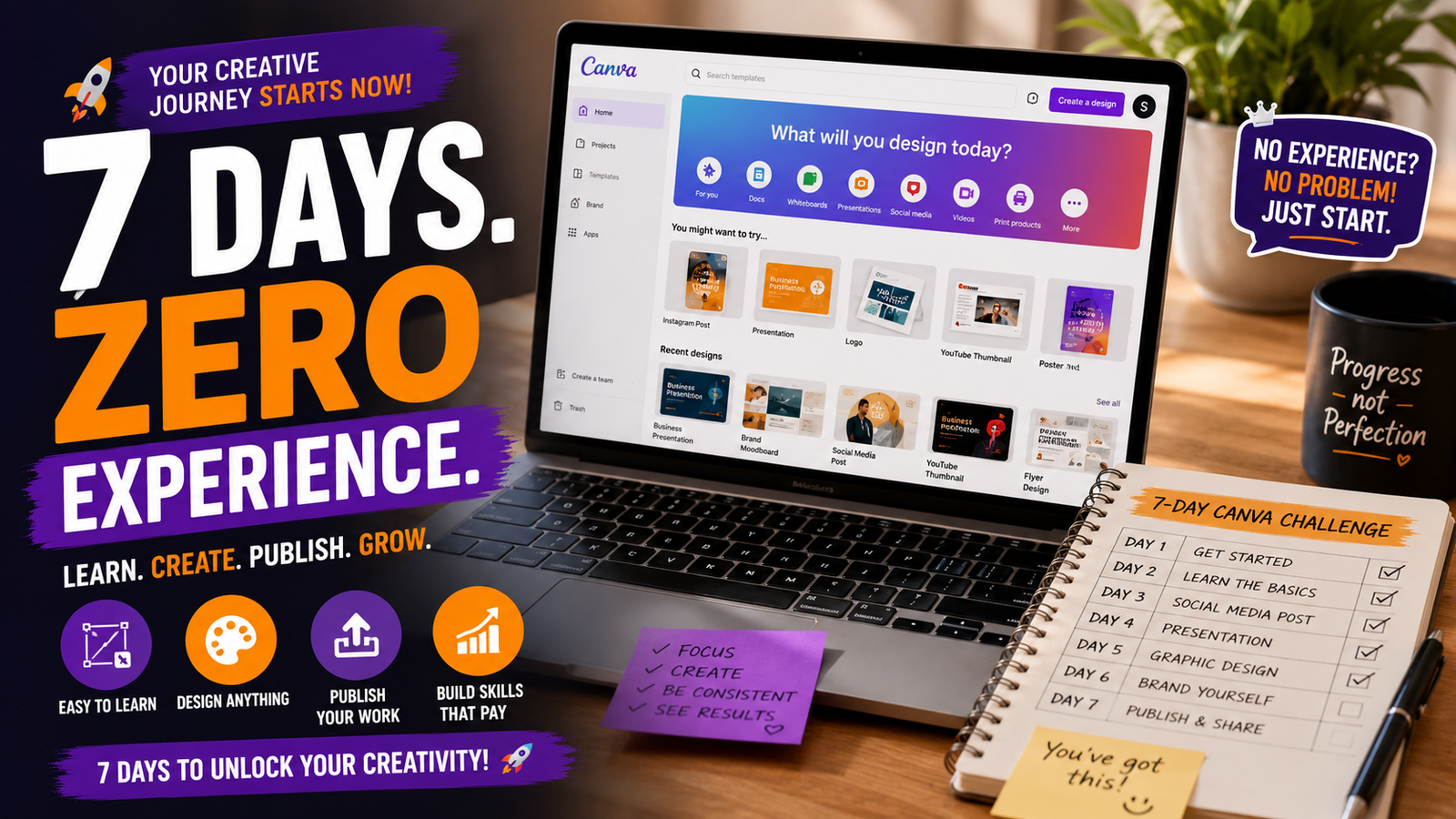
You don't need to enroll in an expensive design course or own Photoshop to start creating professional-looking graphics. This free 7-day training breaks down exactly what to learn each day using Canva — completely free, phone or laptop friendly — so by the end of the week, you'll have real skills and sample work to show clients.
Day 1: Get Familiar With Canva
Create a free Canva account and explore the dashboard. Spend 30 minutes clicking through templates for social media posts, flyers, and presentations just to understand what's available — don't design anything yet, just explore.
Day 2: Learn the Basics of Layout
Pick one simple template and practice changing colors, fonts, and images without altering the overall layout. Focus on understanding spacing and alignment — the foundation of good design.
Day 3: Master Text and Fonts
Learn how font pairing works (one bold heading font + one simple body font). Practice creating 3 different text-based designs, like quote graphics, using only text and background colors.
Day 4: Work With Images and Backgrounds
Practice removing backgrounds (Canva's free "Background Remover" for Pro, or use free stock photos), layering images, and adjusting transparency to create more dynamic designs.
Day 5: Create a Branded Template
Pick a niche (fashion, food, fitness, tech) and design a mock "brand kit" — a consistent color palette, font style, and logo placement — then create 3 matching social media post designs.
Day 6: Design for a Real Business
Choose a real or fictional small business and design a full mini social media kit for them: profile picture, 2 post templates, and a simple flyer. This becomes your first portfolio piece.
Day 7: Build Your Portfolio Page
Compile your best 3–5 designs from the week into a simple portfolio (Canva itself can create a portfolio page, or use Notion/Carrd). This is what you'll show potential clients or employers.
Pro Tips
- Save every design you make this week, even the bad ones — you'll see your own progress by Day 7.
- Follow design pages on Instagram/Pinterest for inspiration, not copying.
- Once comfortable, learn Canva's animation and video features to expand your service offering.
Conclusion
Structured, day-by-day training like this works because it removes the "where do I even start" confusion — readers can follow along in real time, which keeps them coming back to the post and sharing it with others trying to build the same skill.